Online Application
What's your next big idea for student learning?
Classroom Grants range from $250 to $2,500
One application round per school year.
The GIPS Foundation awards annual Classroom Grants to fund educational opportunities for students that fall outside the school district's general budget. Only applicants with a gips.org email address are eligible.

Application Deadlines:
- August 1 - open
- September 26 at 4:00 pm - closed
- October - awards announced
- Projects should begin after November 1
Janeth Davis Memorial Fund
Awarded through the Classroom Grant process
The family of Janeth Davis offers this fund to honor her memory and invest in the students of Grand Island Public Schools. Mrs. Davis was a middle school teacher, teaching both English and Spanish. She loved her students and was a fierce advocate for their education and opportunities.

Frequently Asked Questions
Got a question? You're likely not the only one! Our Frequently Asked Questions (FAQ) section is packed with quick answers to common queries, saving you time and getting you the information you need fast.
Curious about our application process? We've got you covered! Discover everything from application requirements and the steps involved to how applications are evaluated, all in this section.
Just in case you couldn't find your answer here, contact us! We're always happy to help.
Helpful Links
- Will there be a grant round in the second semester?
- How do I create an account?
- How do I reset my password?
- How do I create multiple grant requests?
- What do the icons in my application mean?
- How to Check Your Recommendation Status
- Submitting Your Grant Application
- What projects are eligible and ineligible for funding?
-
Will there be a grant round in the second semester?
No, the Classroom Grant program now operates on a single annual round. The application period will open in August and close at the end of September, with grant awards announced by the end of October.
-
How do I create an account?
Please Note: Only applicants with a gips.org email address are eligible for grants.
Before accessing the online grant application, you'll need to register as a new user. During registration, you'll create your own unique username and password.
Important: Do not create a duplicate account. If you already have an account but can't remember your username, please contact the system administrator. Creating a duplicate account may result in your application being disqualified by the Grant Committee.
-
How do I reset my password?
If you forget your username or password, use the "reset your account" link. You'll need to know the email address or username associated with your account.
Reset Steps:
Enter your email address and/or your username (you must know at least one used to create account). Click the Reset Password button. An email will be sent to your account email address with a link to reset your password.If you still cannot access your account contact the System Administrator at cwiemers@gips.org.
-
How do I create multiple grant requests?
NOTE: Only applicants with a gips.org email address are eligible for grants.
Maximum of 5 grant requests per cycle:
After you have created an account and started/completed the grant application, you can create additional grant applications to be considered during the same grant cycle. The maximum number of grant requests per cycle is five. All grant applications can be created with one user account.Create a new grant application:
Log into the grant application. To create another grant request click on the Add Entry icon.Open grant application:
Click on the pencil to open a grant application.View list of grant applications:
Click on Forms in the top grey box. This will navigate back to your list of applications. Click on the pencil next to the application you want to work on. -
What do the icons in my application mean?
A green check mark indicates that all of the required fields in a form have been completed and saved.
A red exclamation point is shown when at least one required field in a form is empty or contains an invalid entry. Your document cannot be submitted while any of its forms are incomplete. If you hover your mouse over the red exclamation point, pop-up text will list the reasons that a form is considered incomplete.
A green save diskette is shown when there is a change to a field in the form. You must click on the diskette to save the information. The green diskette may appear at the bottom of the screen or in the upper right of the page.
-
How to Check Your Recommendation Status
Every grant application requires a recommendation from your building principal or direct supervisor. You cannot submit your application until this recommendation is complete.
Once you enter your principal/supervisor's information on the "Principal Recommendation and Signature" page, they'll receive an email with a link to the online recommendation form. After they complete it, they won't be able to access your application again.
It's your responsibility to monitor their progress. You'll see the recommendation's status next to their email on the "Principal Recommendation and Signature" page:
(Notified): The recommendation form link has been sent.
(Failed): The email address is incorrect; please correct it to resend the link.
(Completed): The recommendation form has been submitted.
-
Submitting Your Grant Application
To submit, ensure all required fields are complete and your principal's recommendation is submitted.
The "Submit" button will become active when ready. An email confirmation will follow.
If the button is inactive, check for incomplete sections. Applications must be submitted by the deadline.
-
What projects are eligible and ineligible for funding?
Classroom Grants typically fund projects that involve out-of-the-ordinary supplies, educational software for student use, and similar innovative needs. A strong application will clearly articulate the positive impact and direct benefits for students. We encourage and view favorably cooperative grants that involve multiple educators or departments.
The following items are ineligible for grant funding: document cameras (e.g., Elmos, iPevos), Smartboards, teacher stipends, T-shirts, alternative seating, and food (unless directly related to the project).
2025-2026 Classroom Grant Awards
For the 2025-2026 school year, 8 grants totaling $10,371 were awarded through the Classroom Grants process. Grants range from $50 to $2,500. The Janeth Davis Memorial Fund and the Richard "Dick" Nabity Memorial Fund generously provided funds to expand the Classroom Grant program. 4,429 students will benefit from a classroom grant this school year.
-
 Circumnavigate the Globe
Walnut Middle
-
 Milkweed Planting Project
Knickrehm Elementary
-
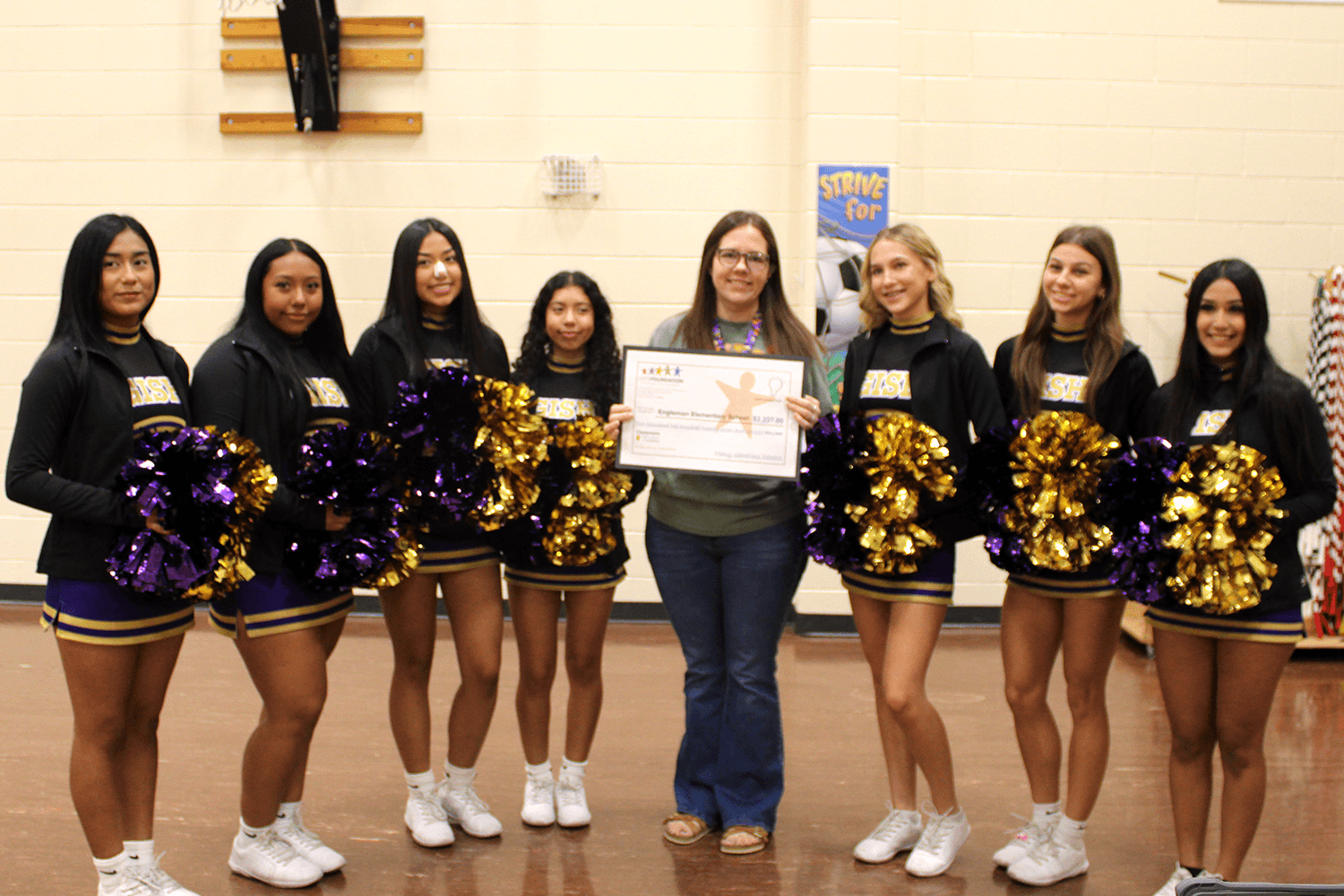 Safe Saws for Creative Minds: Empowering K–5 Students in STEAM and Social Emotional Learning
Engleman Elementary
-
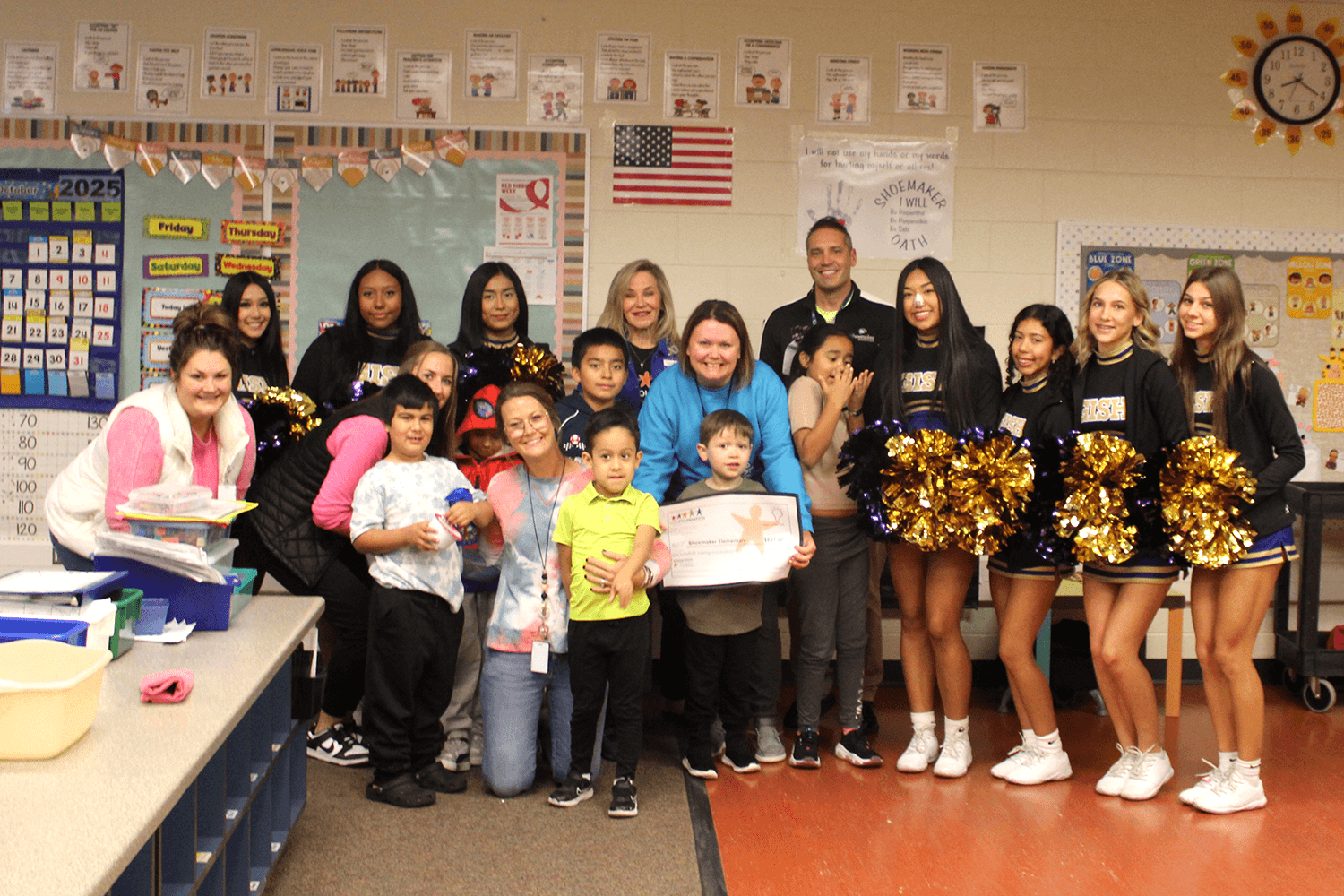 Sensory Integration for Student Success
Shoemaker Elementary
-
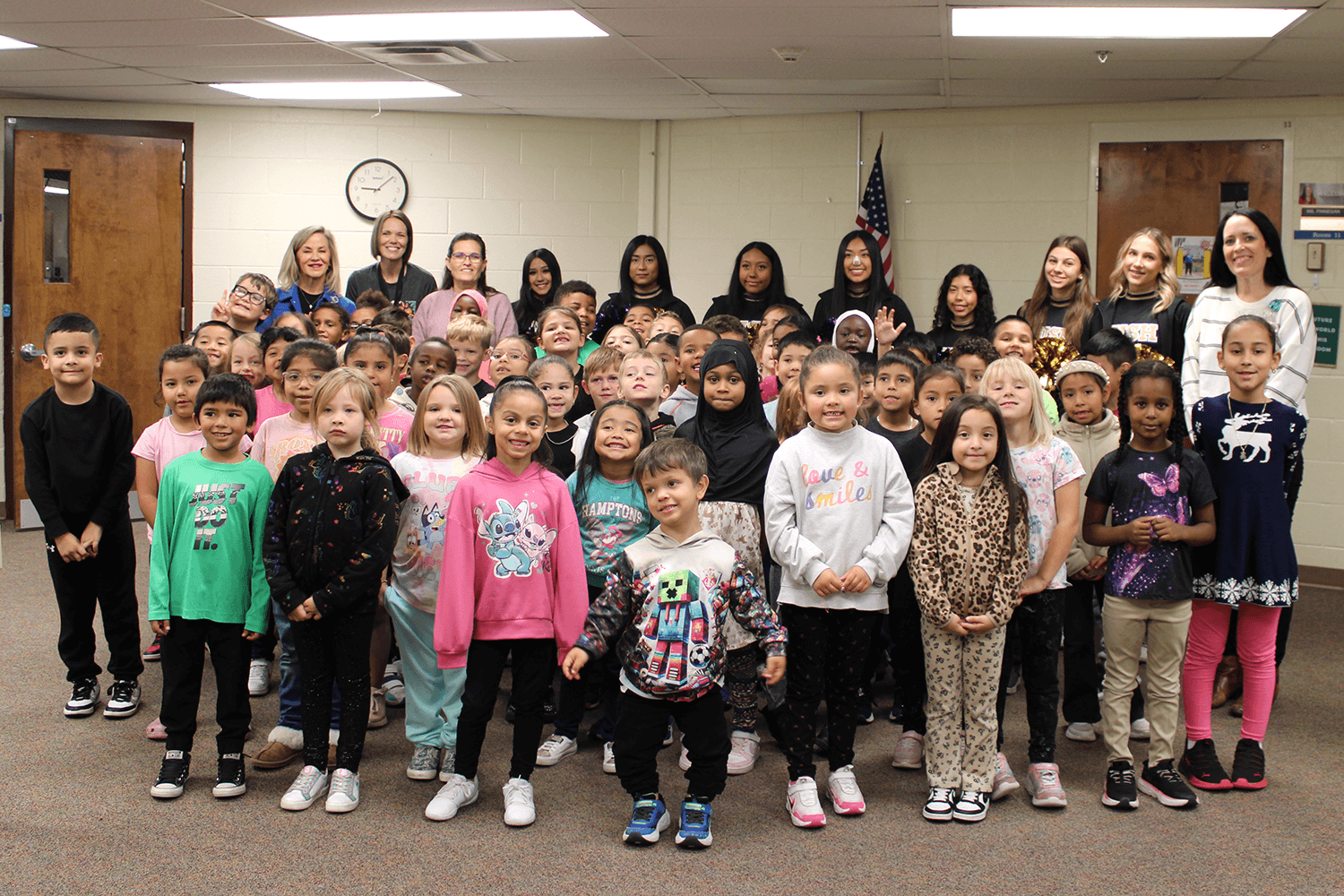 Starry Skies, Bright Minds: a Planetarium Experience for First Graders
Newell Elementary
-
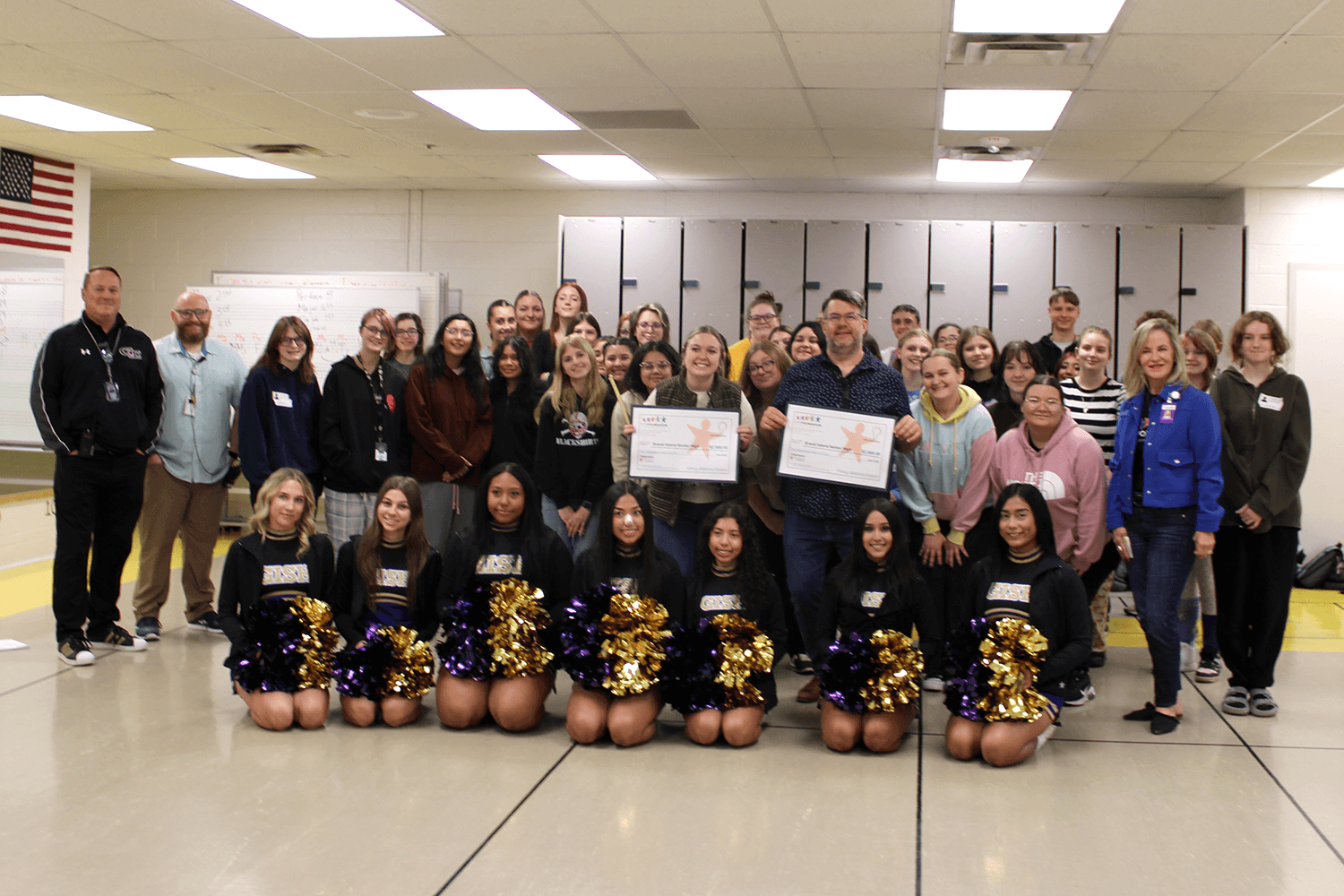 Streamlining Performance: A Drum Kit Workstation for Student-Led Efficiency
Senior High
-
 Wildcat Way Webcast
Engleman Elementary
-
 Enhancing Learning Through Apple Technology Integration
Stolley Park Elementary
-

GIPS Foundation Invites Teachers to Swim with the Sharks in the New Innovation Tank! As Grand Island Public Schools kicks off another exciting year, the GIPS Foundation is reminding teachers about our brand-new grant experience: The Innovation Tank! Announced this past May, this upgraded program replaces our traditional Classroom Grants to give you bigger resources, higher impact, and a fresh way to fund your vision.
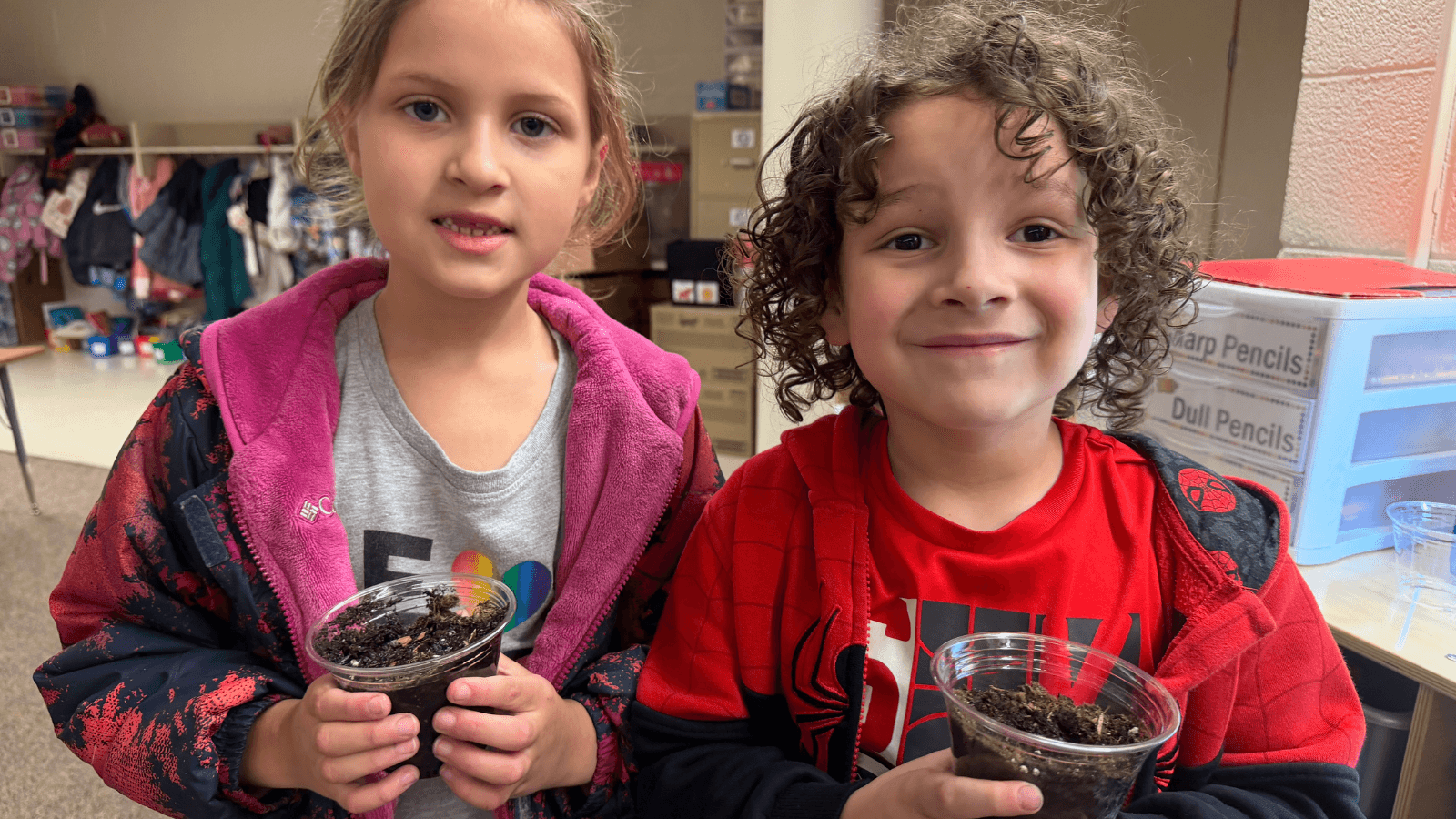
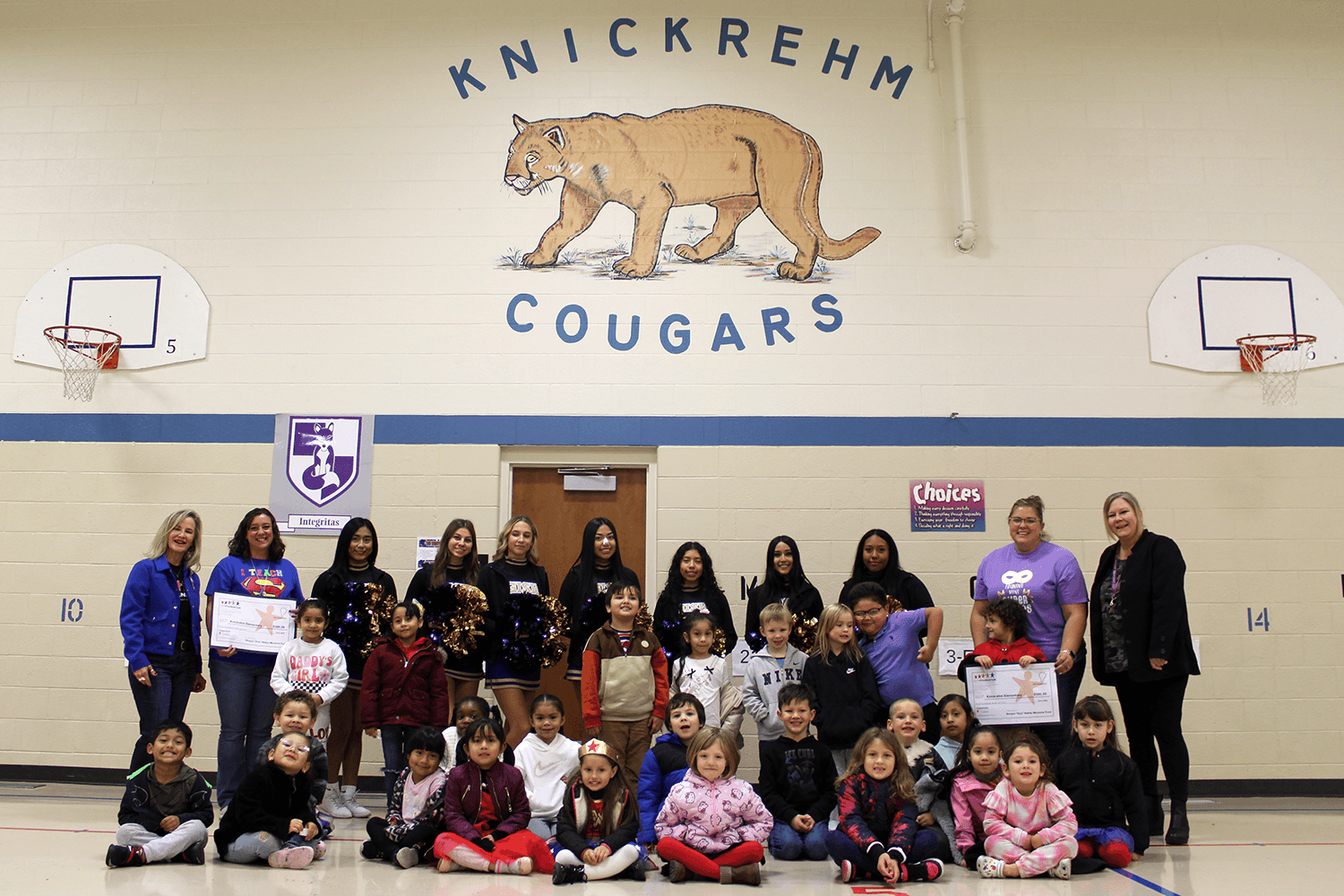
At Knickrehm Elementary, science is moving out of the textbook and into the soil. Thanks to the collaborative vision of educators Chelsi Christensen and Amanda Julesgard, thirty students are embarking on a hands-on journey to become stewards of the environment through the Milkweed Planting Project.
This initiative was recognized by the Grand Island Public Schools (GIPS) Foundation, which provided a $500 Classroom Grant to bring the vision to life. Each year, the Foundation celebrates dedicated teachers by supporting their most innovative ideas—special projects that move beyond the chalkboard to offer students real-world experiences.
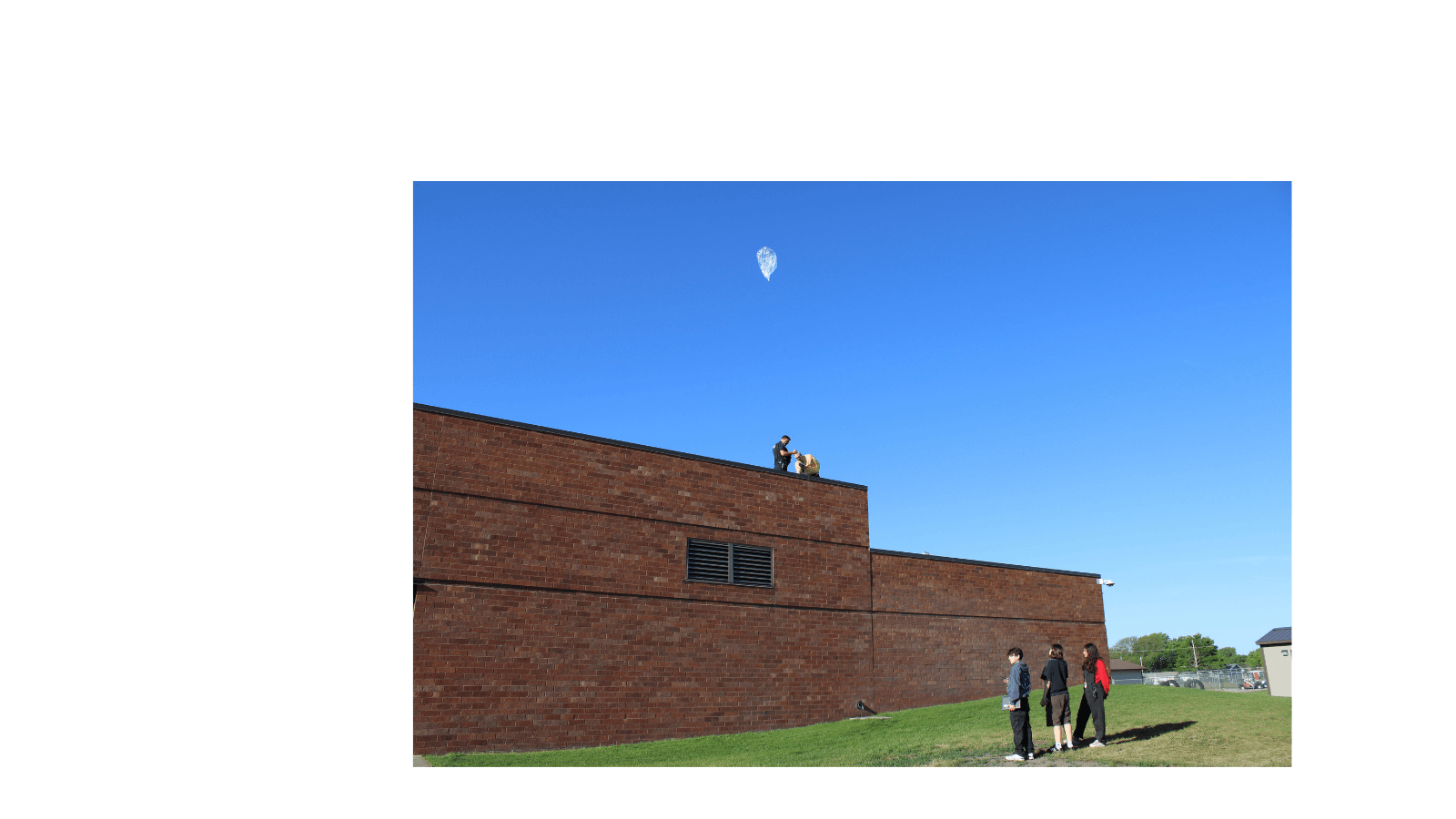
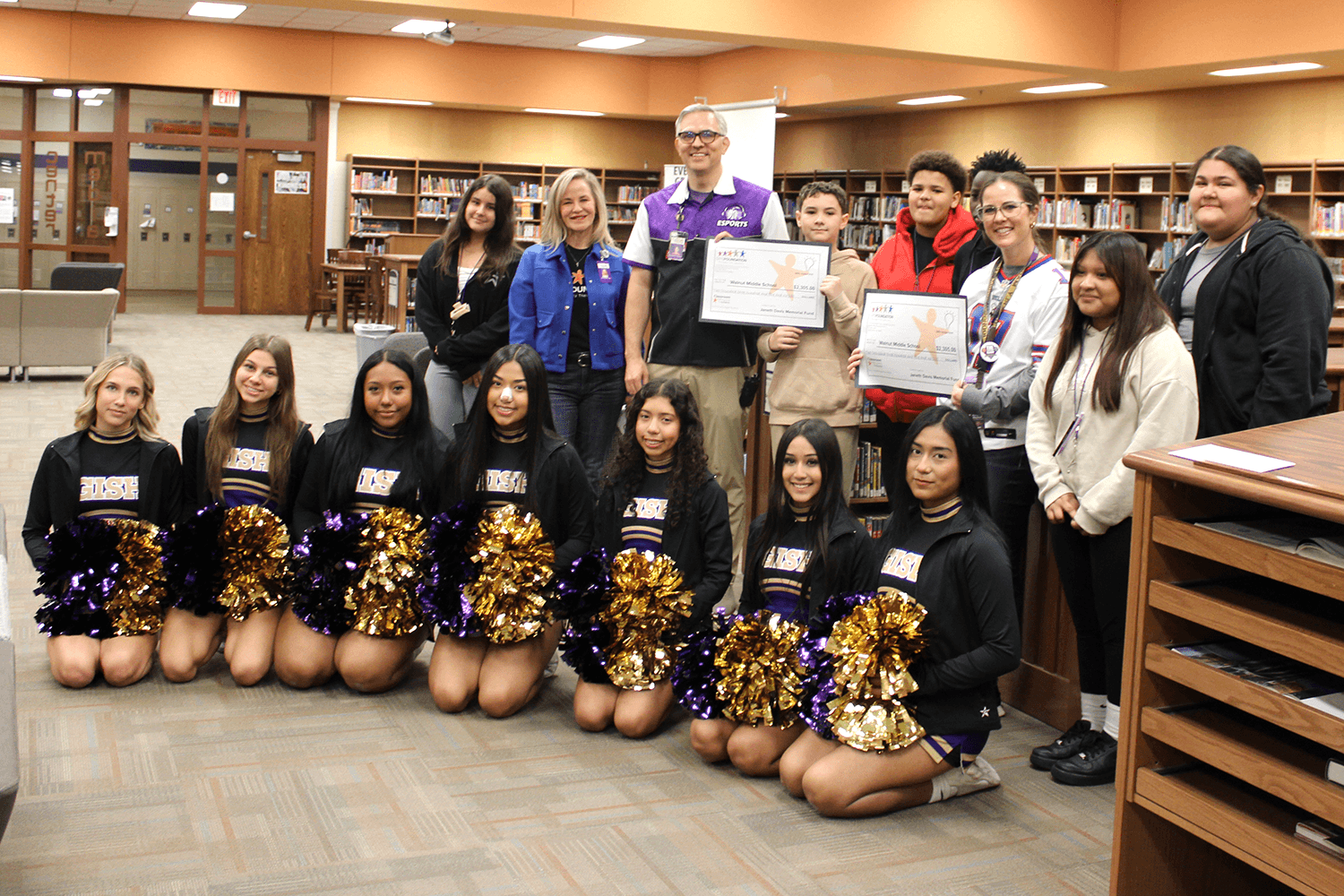
Imagine standing on your school playground, releasing a small balloon, and watching it catch the wind until it disappears into the blue. Now, imagine that same balloon traveling thousands of miles, crossing vast oceans and continents, all while funneling data back to you from the very edge of space. For the students at Walnut Middle School, this isn't a scene from a sci-fi novel—it is a real-world experience taking place in the classroom.
Thanks to the GIPS Foundation Classroom Grant and the Janeth Davis Memorial Grant, teachers Benjamin Marten and Tyler Madison have launched the "Circumnavigate the Globe" project. Together, they’ve transformed traditional science lessons into a global adventure that proves the sky isn't the limit.
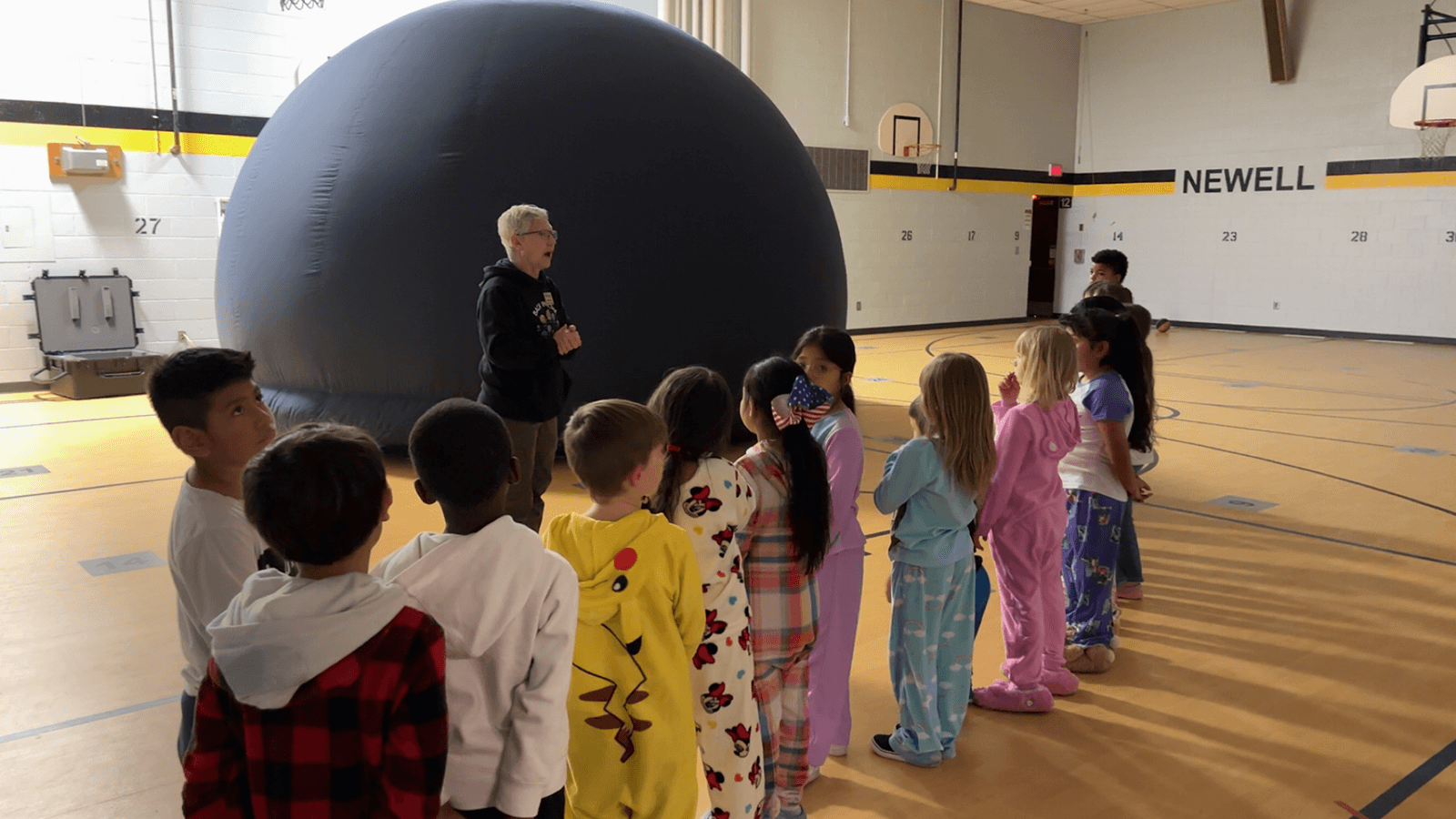
For a first grader, the scale of the solar system can be difficult to grasp through a textbook alone. While we often look up at the night sky, light pollution and early bedtimes can make it hard for young students to truly witness the splendor of the Milky Way Galaxy that they learn about in class.
Recently at Newell Elementary, the gymnasium was transformed into a gateway to the cosmos. Thanks to a collaborative effort by first-grade teachers Asia Thoene, Abby Elsbury, and Renee Sutherland, the universe is now a down-to-earth adventure. The Grand Island Public Schools Foundation was proud to award these stellar educators a $475 Classroom Grant, bringing the Edgerton Explorit Center’s portable planetarium directly to their students.
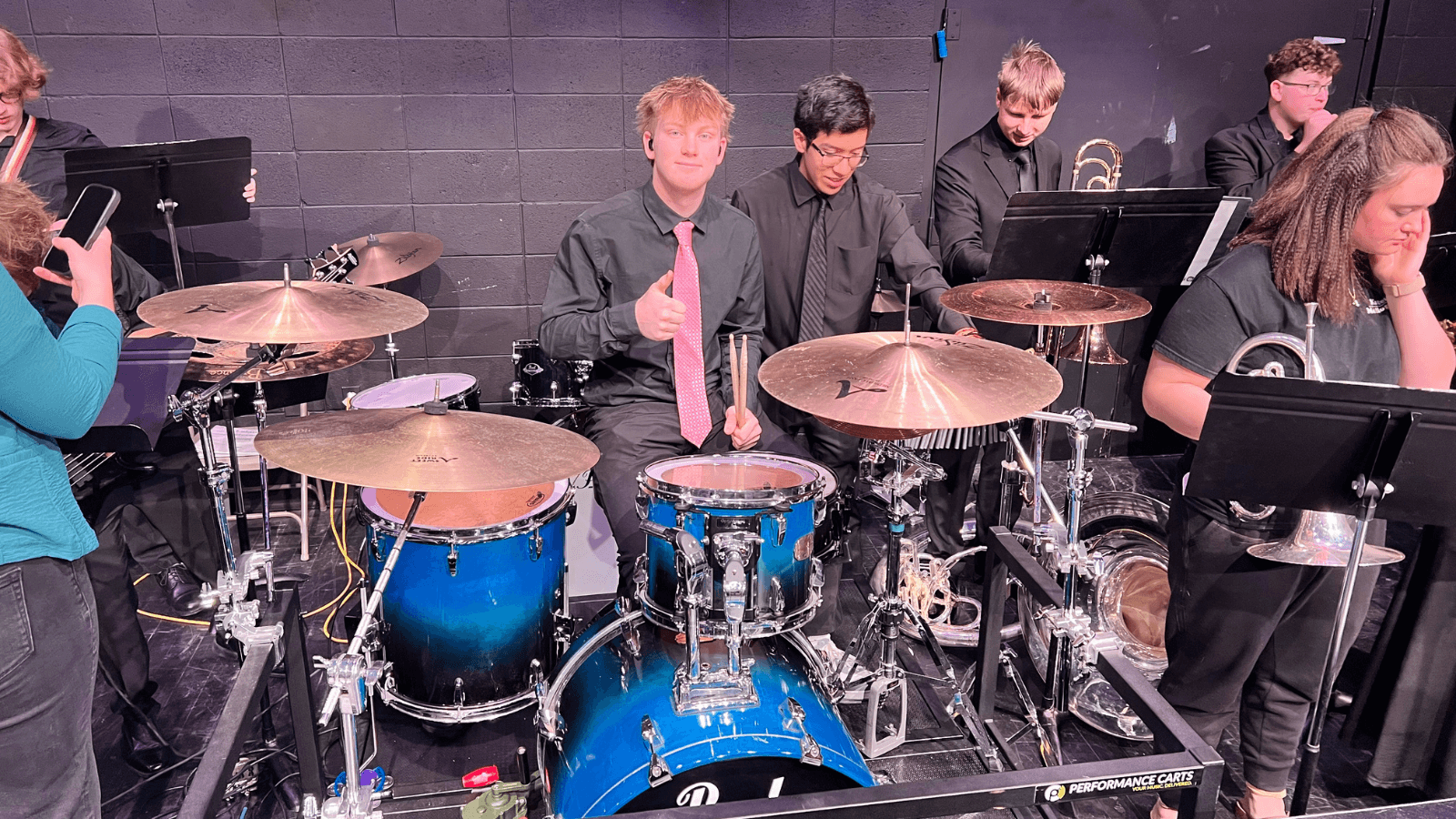
Grand Island Senior High’s Show Choir program has built a reputation on musical excellence, but the secret weapon behind their success is the unmatched professionalism and precision of their student-led stage transitions.
To elevate this competitive edge, dedicated GISH educators Abigail Bloom and Jesse LaBrie sought support from the Grand Island Public Schools (GIPS) Foundation. The Foundation answered the call, granting $2,000 toward a Pageantry Innovations DK-20 Drum Kit Workstation—a total game-changer for the percussionists.
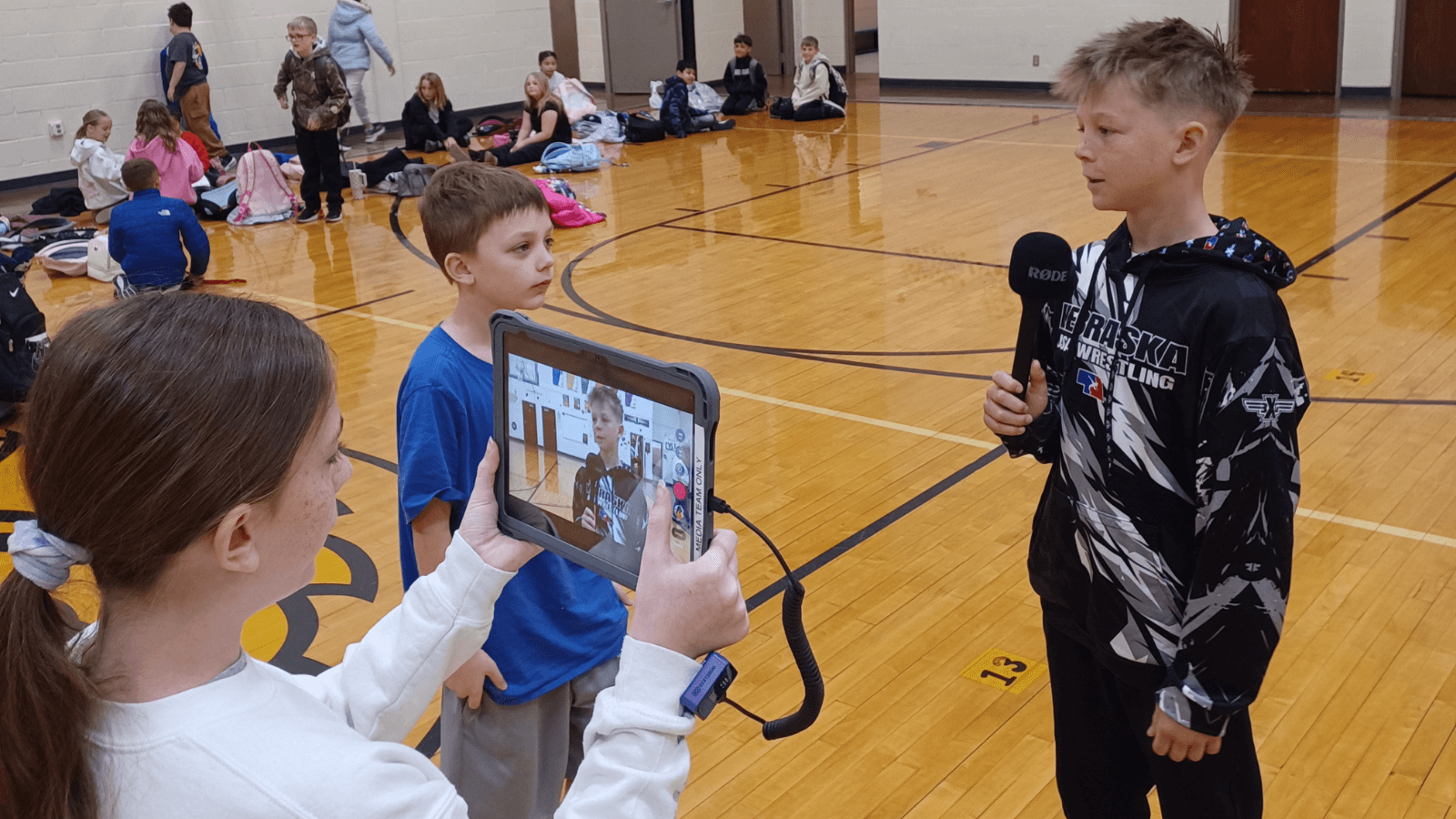
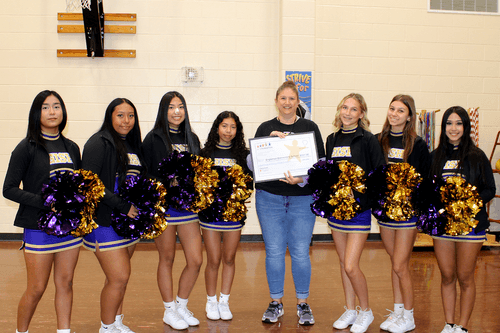
Chandra Kosmicki, a teacher at Engleman Elementary, always knew her media team had "star power"—they just needed the right gear to showcase their talents. Thanks to a $931 Classroom Grant from the Grand Island Public Schools Foundation, the Wildcat Way Webcast has officially leveled up, evolving from a simple school project into a professional-grade production.